
Read the pile
Attach documents or point it at a folder, and get back a summary you can act on. A question about an attached file is answered from that file.
OOMU®
A native Mac app that puts AI to work on the computer you already own. Everyday work runs on your Mac. When a request needs a cloud model and you have allowed one, OOMU uses yours, in the same chat.
Beta 3 · Apple Silicon · macOS 14 or later
OOMU in use
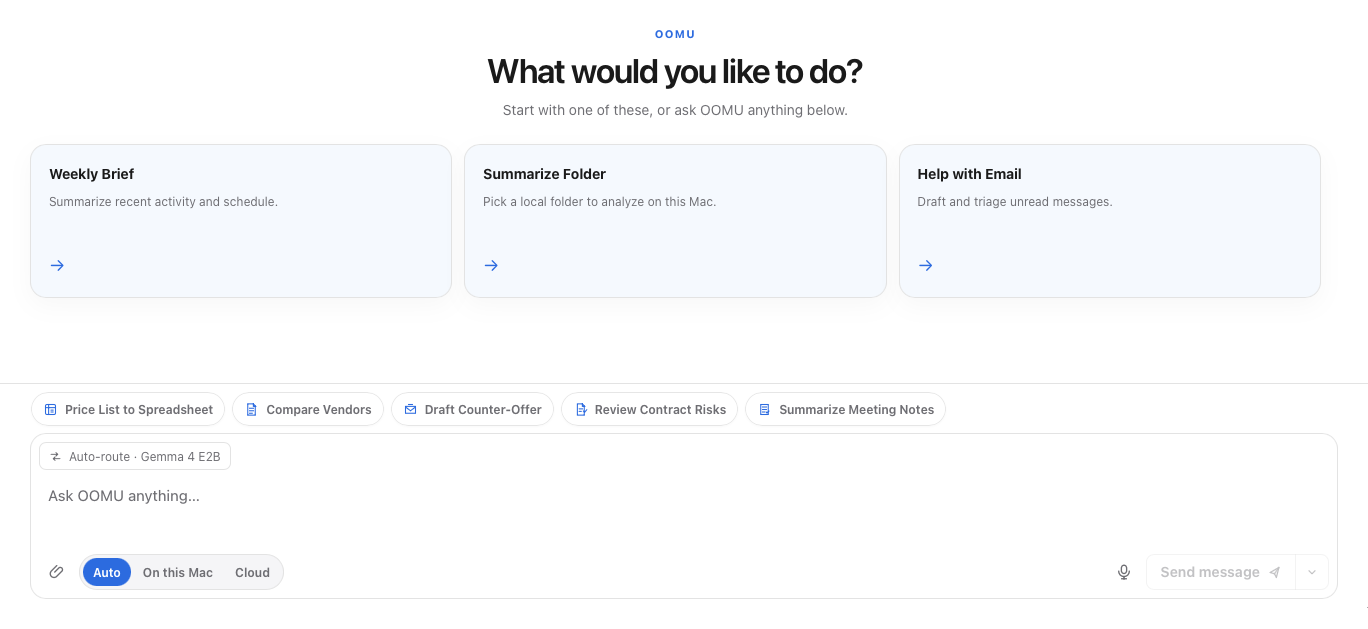
You ask in your own words. Before anything else happens, a small model on your Mac works out what kind of request it is and where it should go. You never switch models or start a new chat to change where the work runs.

What it does
Describe the job in your own words. OOMU works with your files and with the Apple apps you already use, inside the permissions macOS gives it.
Attach documents or point it at a folder, and get back a summary you can act on. A question about an attached file is answered from that file.
The reply, the update, the weekly brief, drafted from material you already have. Saved as Word or Excel files when you need them.
Mail, Calendar, Reminders, and Notes, through access macOS asks you to grant. An email it writes is saved as an unsent draft for you to send.
Turn a process you repeat into a workflow, and schedule it, instead of rebuilding it from memory each time.
Set up assistants with the temperament the work needs, from a patient tutor to a skeptical researcher, each with its own model choice.
Each reply records whether it came from this Mac, a cloud provider, or native code, and which model. Shell commands are shown to you for approval before they run.
If you cannot see what it did, you are not using it. You are trusting it.
What it costs
Three ways in
OOMU
Local models, your own cloud keys when you want them, workflows, approvals, and your history, encrypted on your Mac. Air-Gap Mode and the permissions macOS enforces are part of the free app, not an upsell.
OOMU Control
A server your organization runs on its own infrastructure. Administrators sign in through your identity provider, decide which models every Mac may use with signed policy, deploy through Jamf, Kandji, Intune, and similar tools, and see what each Mac is running and what it blocked.
Implementation
For a team putting OOMU to work: setup, workflow design around the work it actually does, and training for the people using it. The scope is agreed in writing before anything starts.
Control does not yet include spending limits by team, and policy reaches a Mac at its next check-in rather than instantly. The full, current list is on oomu.ai.
Only on Mac
OOMU is a native app for Apple Silicon Macs running macOS 14 or later, and it will stay a Mac app. There is no Intel or Windows version, by design.
Cross-platform sounds generous. In practice it means building for the worst machine in the room. OOMU makes the opposite trade: it uses the Apple apps through their own frameworks, the system permission model instead of one we invented, and local models that are fast enough to be worth running because of unified memory on Apple Silicon.
It is not Mac styling. It is the reason the rest of the claims are true.
Why a firm builds software
Shipping OOMU means paying for inference, watching real people use something, and dealing with what happens when an agent gets a thing wrong in front of someone. That experience informs the firm's advisory work and its research, alongside Dr. Allan's broader professional and academic experience.
OOMU is never the predetermined answer to an advisory question. When it would be the wrong tool for a client, we say so.
Free, including at work. If you later connect a cloud provider, that provider bills you for what you use.